What stays
- Your ERP system
- Your mailbox and your document templates
- Decisions on special cases and exceptions
Home / Services / Order processing automation
Use case · Order processing
Orders arrive by email or as PDFs, are typed into the ERP by hand, and delivery notes and order confirmations are maintained more than once. We automate this data flow within your existing systems: extract order data, create the order in the ERP and generate accompanying documents from a single data source.
Starting point
The real problem rarely lies in single big errors, but in the sum of many small manual steps.
Approach
Step by step and during ongoing operations – starting with the workflow that costs the most time today.
We map how an order actually moves through the company today: who does what, when and with which tool, where data is retyped and where handovers stall.
Clear data logic across all orders, no duplicate maintenance of information, clean handovers between departments.
Incoming orders are processed automatically: information is extracted from emails and PDF documents and structured.
The data is transferred directly into the ERP – without manual intermediate steps. Review and decisions remain with people.
Delivery notes, order confirmations and other accompanying documents are created from a single data source.
No system change
Possible effects, depending on the starting point and implementation – no promised results.
Scenario: a metal processing company replaces manual intermediate steps in order creation with an automated data flow.
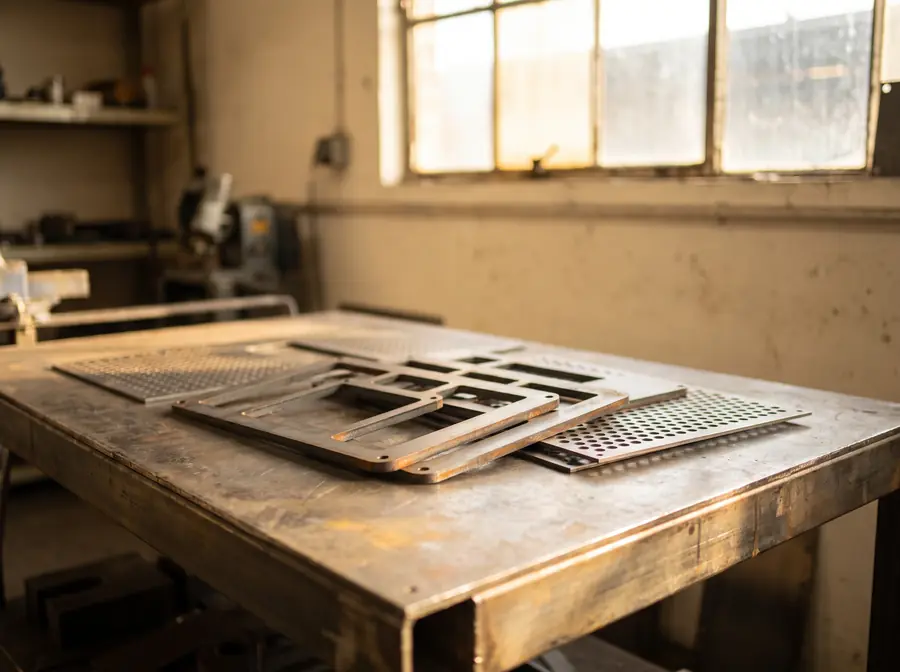
A metal processing company with around 60 employees faced a structural efficiency problem in order processing.
The real problem was not individual major errors, but the cumulative effect of many small, manual steps.
Creating a stable, end-to-end process: reduction of manual data entries, minimization of transfer errors, increased process reliability.
Automatic reading of information from emails and PDF documents, structured preparation of relevant data.
Automatic creation of orders in the ERP, elimination of manual intermediate steps, consistent data foundation for all downstream processes.
Delivery notes, order confirmations, and other documents — all from a single, unified data source.
Clear data logic, no duplicate maintenance, clean handoffs between departments.
In a scenario like this, possible effects include less time spent on order creation, fewer data transfer errors and more stable, predictable production workflows.
Illustrative scenario, not a client project. Industry, company size and workflows are used to illustrate typical starting points.
FAQ
No. We do not replace existing systems – we help you use them better and make workflows clearer. ERP, CRM, Excel and email are connected through clear data flows.
In the example scenario, orders arrive by email and as PDF documents. Which formats you receive and how structured they are is something we clarify in the analysis.
Your employees. Repetitive, structured tasks are automated; review and decisions remain with people.
Depending on the requirements, workflow tools such as n8n, no-code automation and RPA (robotic process automation) – and only where this creates measurable value.
With an initial call: in 20–30 minutes we assess whether one of your core processes needs action. You then receive a concrete next step – without obligation. Consulting takes place remotely and, by arrangement, on site in Baden-Württemberg.
Read more
Next step
Briefly describe your situation. We review it and reply with a structured next step.