What stays
- Your email system
- The personal reply to your customers
- Your departments and contacts
Home / Services / Email request routing
Use case · Customer communication
Requests land in individual mailboxes, are forwarded by hand and get lost in day-to-day business. We structure your incoming email: requests are classified automatically, assigned to the right department, and their processing status becomes visible in one place.
Starting point
The goal is not more communication – but better control over the communication that already exists.
Approach
A targeted intervention in the existing communication process instead of a comprehensive system change.
Incoming emails are analyzed and classified automatically: request types (technical, commercial, operational) are recognized and prioritized by relevance and urgency.
Based on the classification, requests are forwarded: sales for commercial topics, engineering for technical queries, purchasing for supplier-related topics.
Suggested replies based on previous emails and consistent wording. Your employees remain responsible for sending and content.
All open requests become visible in one place: an overview of processing status, no duplicate work, clear responsibilities.
No system change
Possible effects, depending on the starting point and implementation – no promised results.
Scenario: a Tier-2 supplier structures its email processes instead of adding more coordination overhead.
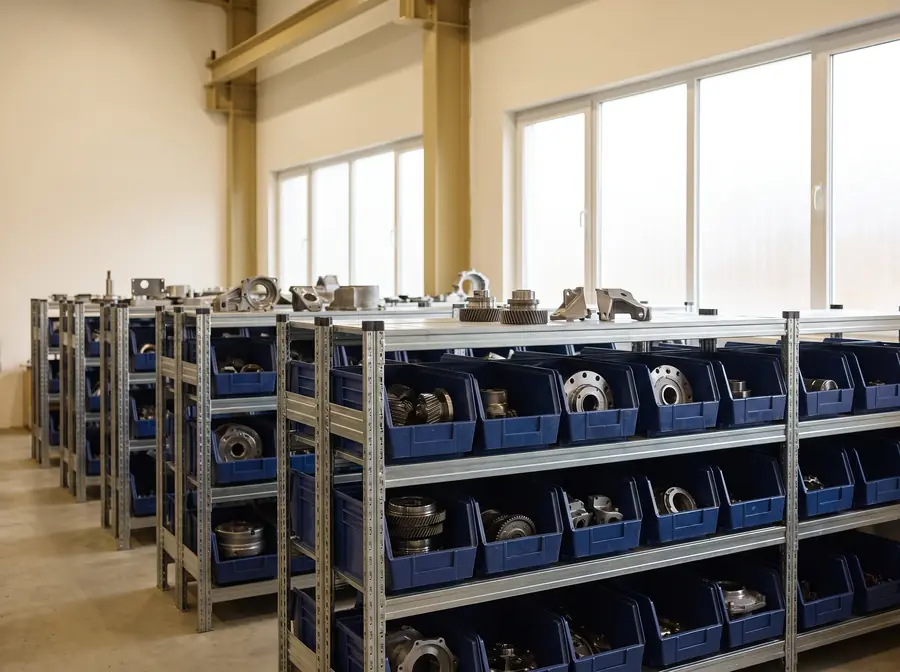
An automotive supplier (Tier 2) with around 120 employees was confronted with a growing problem in day-to-day customer communication.
"The request is somewhere in the inbox."
Transparency over all incoming requests, clear assignment to responsible parties, faster and more consistent responses.
Automatic analysis and classification of incoming emails: detection of request types (technical, commercial, operational), prioritization by relevance and urgency.
Sales → commercial topics · Engineering → technical queries · Purchasing → supplier-related topics. Manual forwarding as a bottleneck was eliminated.
Suggested replies based on previous emails, consistent wording in communications with OEMs.
All open requests made centrally visible, prevention of duplicate handling, clear responsibilities.
In a scenario like this, possible effects include shorter response times, less internal coordination and fewer overlooked requests.
Illustrative scenario, not a client project. Industry, company size and workflows are used to illustrate typical starting points.
FAQ
No. We do not replace existing systems – we help you use them better and make workflows clearer. ERP, CRM, Excel and email are connected through clear data flows.
Not in the approach described here: the system suggests replies based on previous emails. Whether and what is sent is decided by your employees.
Data-minimally: as little data as necessary, for as short a time as possible. We agree together before implementation which data is processed where.
Depending on the requirements, workflow tools such as n8n, no-code automation and RPA (robotic process automation) – and only where this creates measurable value.
With an initial call: in 20–30 minutes we assess whether one of your core processes needs action. You then receive a concrete next step – without obligation. Consulting takes place remotely and, by arrangement, on site in Baden-Württemberg.
Read more
Next step
Briefly describe your situation. We review it and reply with a structured next step.